What is White app?
- An app that puts everything in one place: high quality, low cost international calls
- It also lets you support friends and family from within the app
- Our app is easy to use
What can I do in the app?
- Make high quality, low cost international calls
- Recharge friends' and family's phones with credit (mobile airtime)
- Help them pay their utility bills
- Send them gift cards or vouchers
- Share your existing calling credit to friends or family's existing White app account
Does the person I'm calling need White app?
- No. Whoever you're calling or supporting does not need White app installed
Where do I find the app's features?
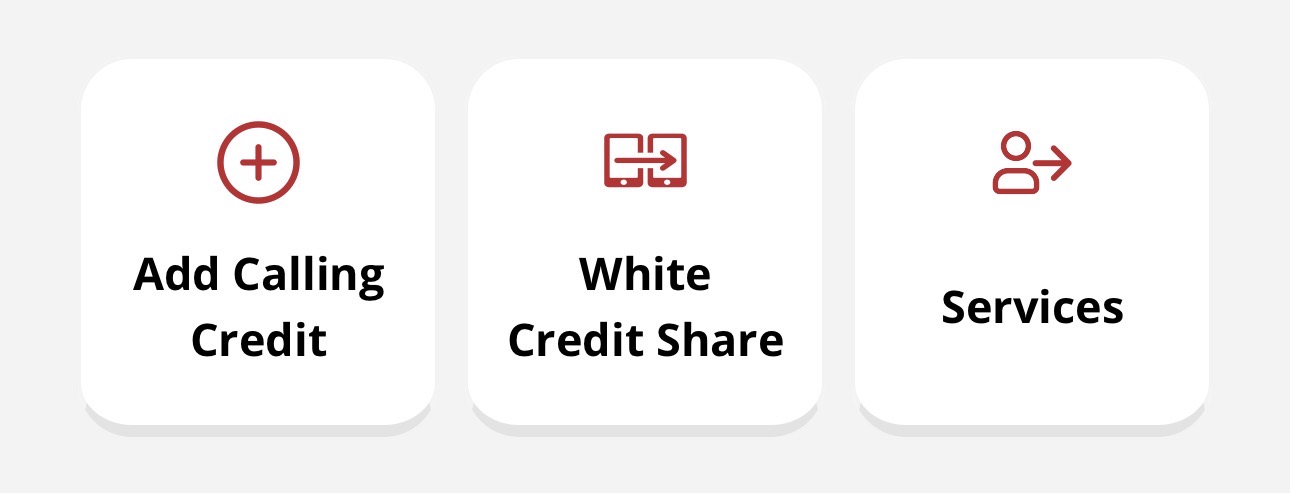
- Go to your Account tab, where you can access:
- Add Calling Credit
- White Credit Share
- Services
- You will also see the latest in-app news and offers here, keep an eye out for any promo codes or promotional offers
How do I open the sidebar menu?
- Tap the three horizontal lines (hamburger menu) in the top left of the app or swipe from left to right on your screen
- The sidebar gives you additional support and options for your app account

How will I hear about promotions and offers?
- We send them within the app, email or SMS if you've opted in for marketing preferences (recommended)
- Offers range from free credit to new offers exclusive to White app customers
- Make sure you don't miss out by keeping an eye on all channels
Do you share my data with third parties?
- No, we don't share your data with any third parties
- It's your data, and it's important to us that it stays that way
- This gives you peace of mind when using the app
Where can I find more about White app?
- Follow us on Instagram and Facebook for more of the amazing things we do, along with instruction videos on how to use our app
- Visit our website: https://www.whitecalling.com/
- Check out the rest of our FAQs to learn more about what you can do in your app, and what to do if you ever experience any issues: https://whitecalling.freshdesk.com/en/support/solutions
I use White calling cards: can I move to the app?
- Yes. We highly recommend you to use our app- just download the app and contact us
- We can transfer your balance over: no hassle and really simple
- Download iOS- click
- Download Android- click
How do I contact support?
- Chat to us via our in-app chat service: the quickest way to reach us
- Email us at ask@whitecalling.com
- Our team is available Mon-Fri, 9-5
Was this article helpful?
That’s Great!
Thank you for your feedback
Sorry! We couldn't be helpful
Thank you for your feedback
Feedback sent
We appreciate your effort and will try to fix the article